Story maps and product specs
Story maps can now be edited directly on the Canvas and appear in the parent idea's Specs list. This keeps the feature's requirements and release plan together as the idea changes.
Draft a story map
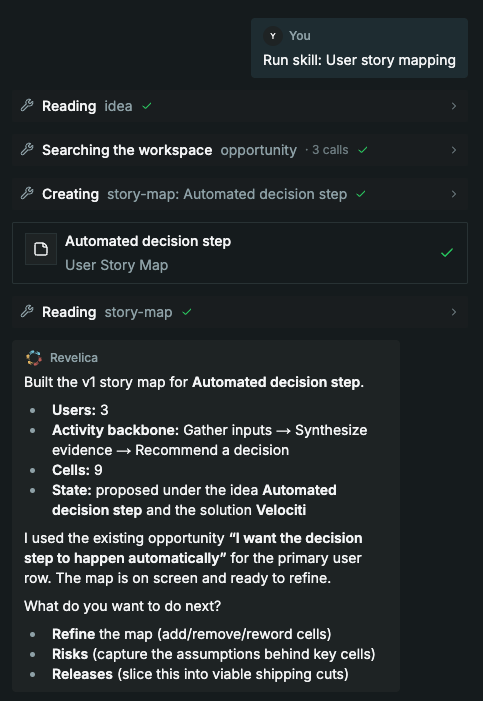
Describe a feature idea to the product agent and ask for a story map. The agent drafts users as rows, activities across the top, and user stories in the cells, reusing the workspace's customer context.
Edit stories and plan releases
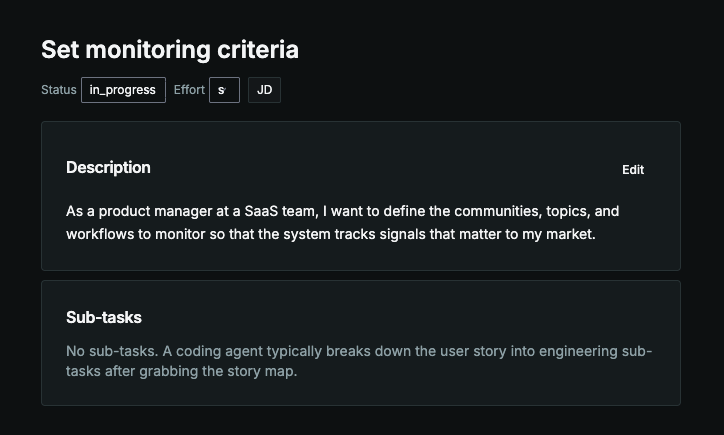
Open a story to edit its description, or add and remove stories on the map. Ask the agent to group stories into releases with a target outcome and success metric.
Review assumptions
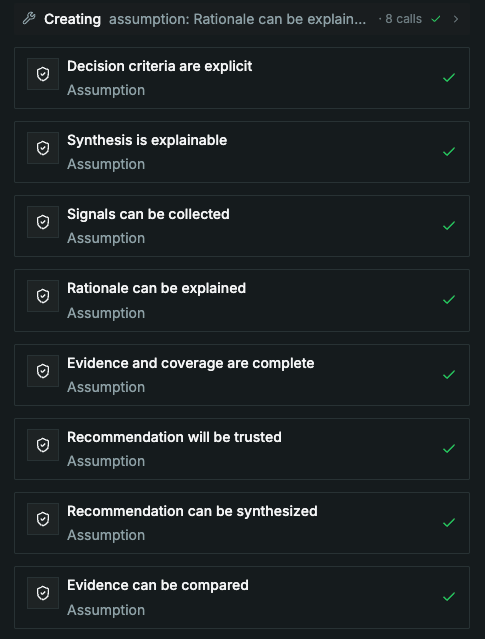
Ask the agent to identify assumptions behind risky stories before implementation. When the map is edited directly, the agent reads the updated map before continuing the work.
Keep specs with the idea
Story maps and Markdown spec documents linked to an idea appear in its Specs list. Open the map from there to return to the stories, releases, and assumptions for that feature.
See the story mapping walkthrough.