Story maps as sticky notes, documents, and Markdown
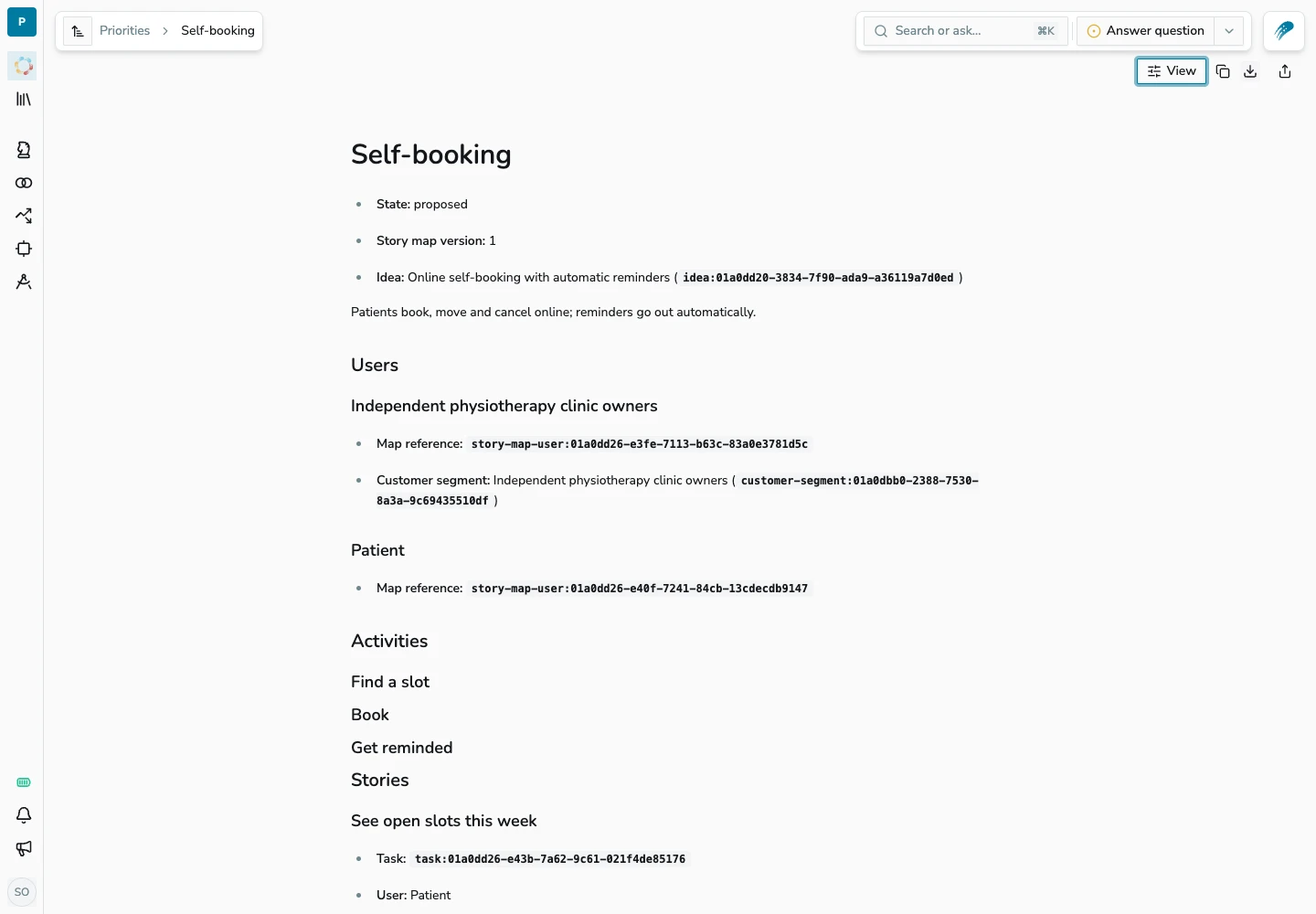
Story maps now have a sticky note layout alongside document and Markdown views. The same spec can be used to plan the work visually, review the requirements, and hand them over for implementation without maintaining separate copies.
Sticky notes
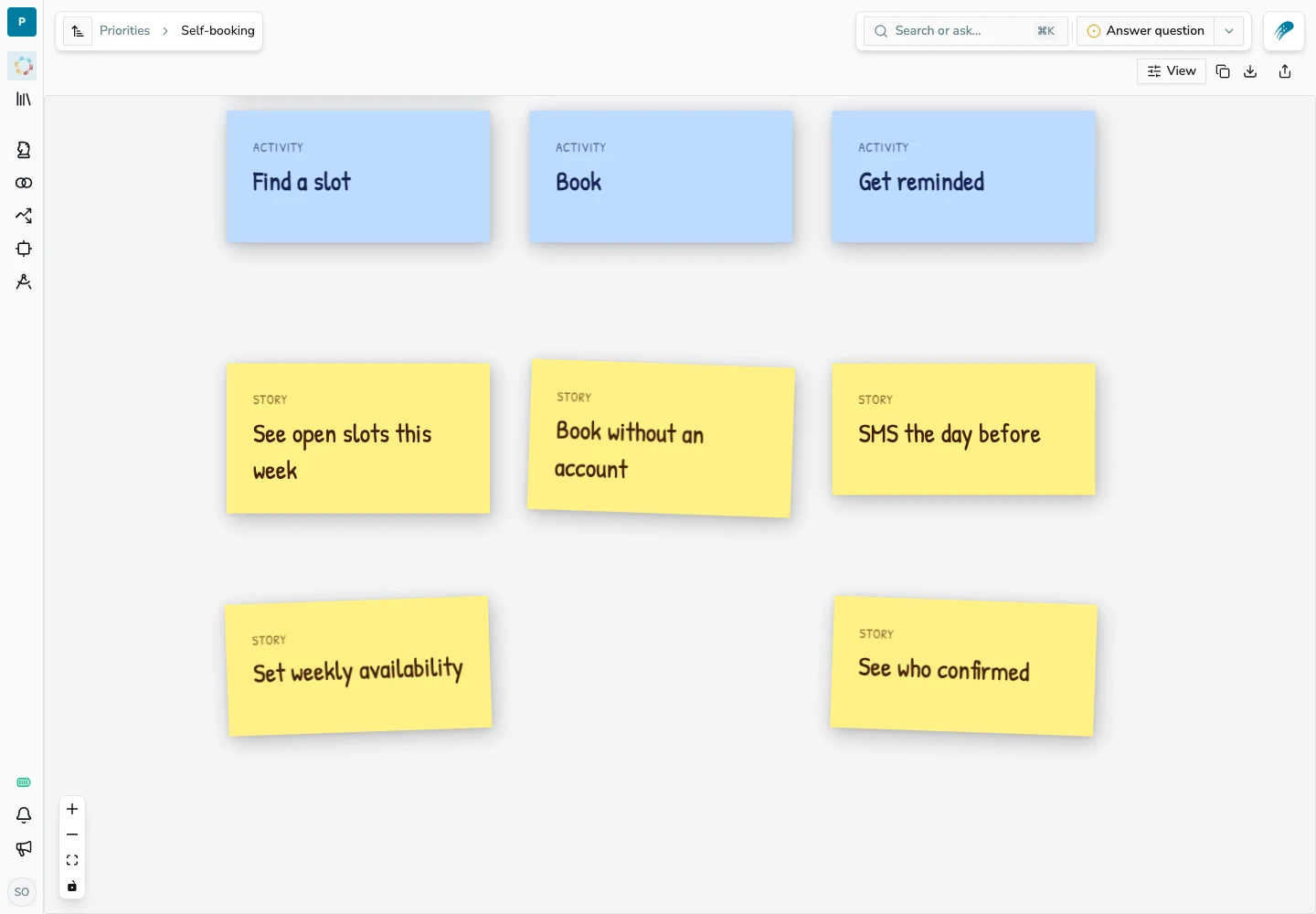
Choose Sticky from the View menu. Activities run across the top, with stories stacked below each activity and horizontal dividers separating releases. User notes sit above the activity where their stories begin.
Document view
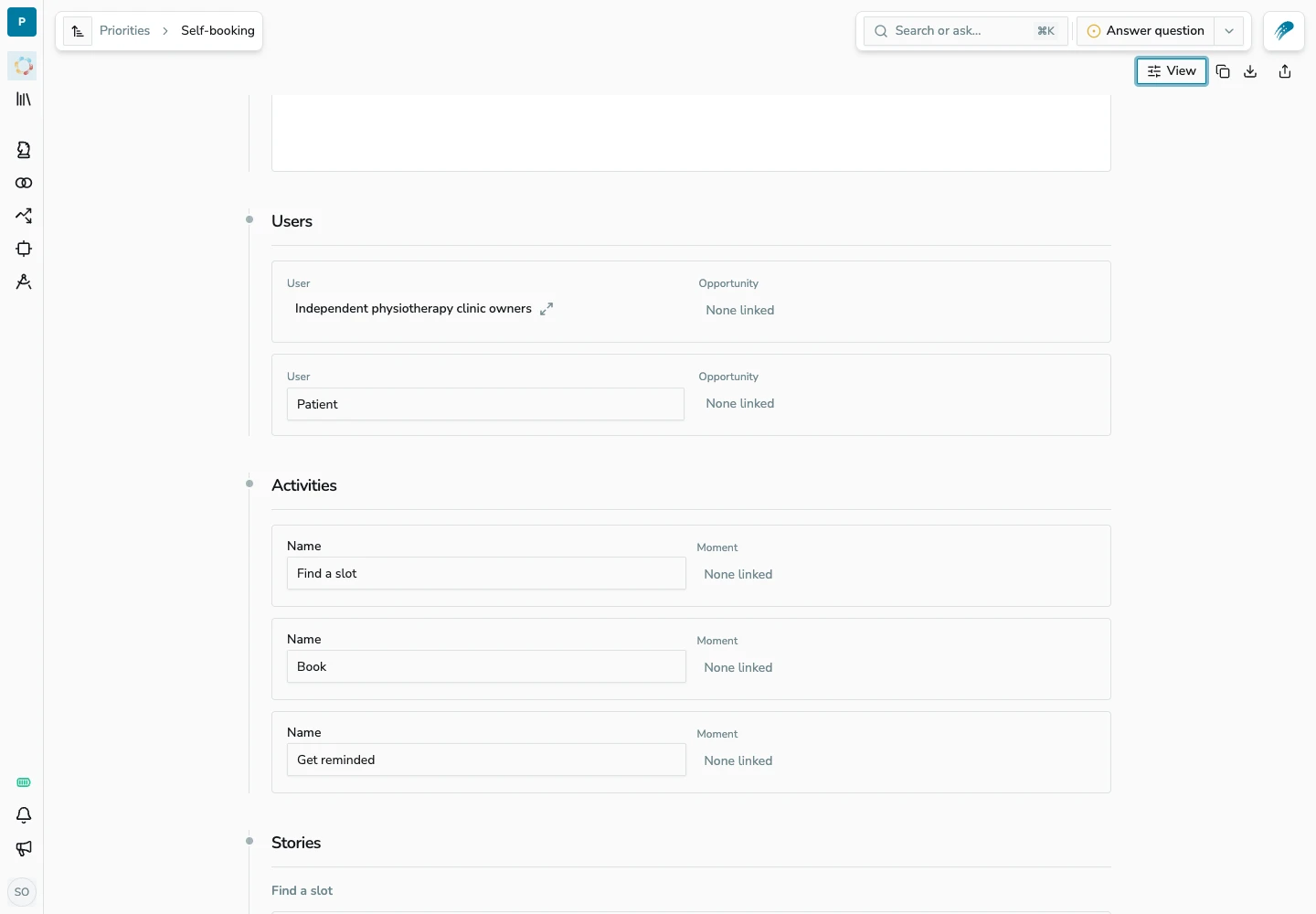
Choose Document to review the same spec as sections for users, activities, stories, and releases. Edit the spec and save changes from this view, then return to the map to see them in context.
Export to Markdown
Use Copy Markdown or Download story map in the toolbar to take the spec into a repository or coding agent. The export includes users, activities, stories, linked assumptions, and releases with their target outcomes and success metrics. Choose Markdown from the View menu to inspect the text before exporting.